
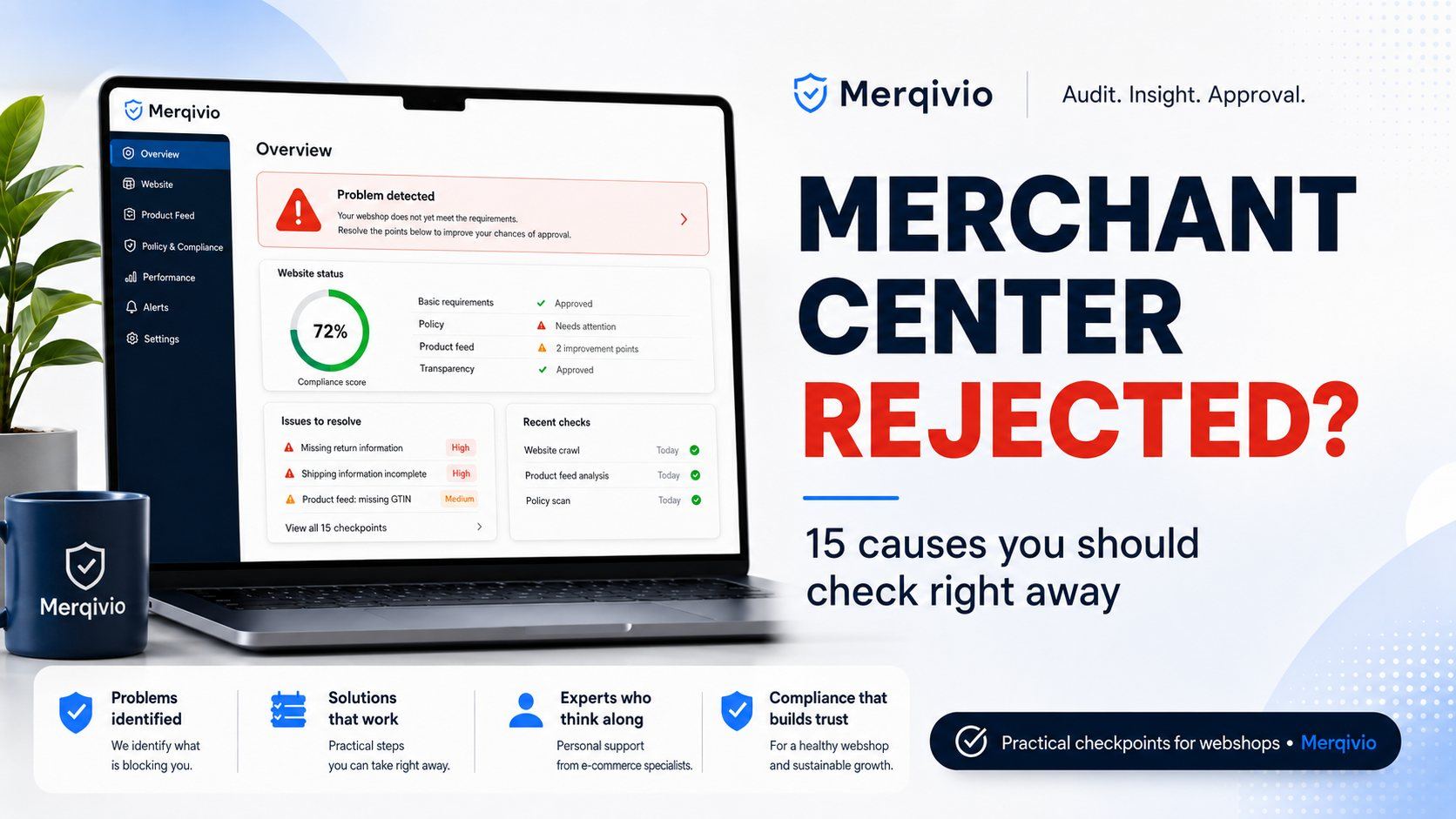
A rejection in Google Merchant Center can directly affect the visibility and commercial potential of an online store. Your products are ready, your website appears to be in order, yet a warning, restriction or rejection still appears. The difficult part is that such a message does not always tell you exactly where the real problem is.
This is the point at which many store owners start changing things too quickly. Text is rewritten, settings are adjusted, pages are added and another review is requested. Sometimes that works. But if the real cause is somewhere else, this approach mainly costs time.
With a Merchant Center problem, speed matters — but clarity matters more.
A rejection is often a signal, not the complete diagnosis
Merchant Center does not assess just one field or one page in isolation. The reliability of a webshop is shaped by several signals that together create an overall picture. The website, product information, business details, technical quality, transparency and consistency can all play a role.
As a result, a store can look professional at first glance and still contain issues that create uncertainty for a platform or a potential customer. A general warning tells you that something needs attention, but it does not automatically tell you which part should be addressed first.
That distinction matters. If you start changing things without analysis, you may be treating symptoms while the main obstacle remains.
Trust is a commercial part of your webshop
Trust is not decoration and it is not a box you tick once. A visitor wants to understand quickly who they are dealing with, what they can expect and whether the information makes sense. Platforms also look for signals that show a store is reliable, verifiable and professionally managed.
When information is unclear, inconsistent or technically difficult to verify, it can weaken the persuasive power of your webshop. That matters not only for Merchant Center, but also for the customer who ultimately has to place an order.
That is why Merqivio does not treat a Merchant Center issue as a single isolated setting. A webshop needs to feel credible as a whole.
Why endless manual searching is rarely the best first step
There are many online lists of possible reasons for Merchant Center rejections. They can help you understand the subject, but a list cannot tell you which risks are actually present on your own webshop.
This is where a lot of time is lost. You may check dozens of possible causes even though only a few areas need real attention. Or you may change something that was already correct while missing the signal that matters most.
Merqivio is built around a different principle: measure first, decide second.
A scan gives you a more objective view of your own store. The question shifts from “what could be wrong?” to “which signals are actually being found on my website?”.
Get insight first, then improve with purpose
A targeted webshop scan brings multiple checkpoints together in one overview. That makes it easier to set priorities and reduces the temptation to make changes everywhere without a clear reason.
Merqivio looks more broadly than one Merchant Center warning. The scan combines relevant signals around trust, compliance, SEO, technical quality, performance and other measurable areas. The goal is not to overwhelm you with generic advice, but to show where your own webshop deserves attention.
The free scan provides an initial view. If you want to go further, a full report can reveal more detected issues, priorities and targeted recovery information.
Check your own webshop first
If Merchant Center has rejected or restricted your store, you do not have to guess immediately which change will solve the problem. Start by getting a clearer picture of your current situation.
Enter your webshop below. The Merqivio Quick Scan gives you an immediate first analysis of important measurable signals.
From fixing a problem to building a stronger webshop
A Merchant Center rejection is frustrating, but it can also expose where your digital foundation could be stronger. A webshop that is clearer, more consistent and more trustworthy does not only benefit in relation to advertising platforms. Visitors are also more likely to feel they are dealing with a professional business.
That is ultimately the objective: not just removing a warning, but building a webshop that is technically and commercially stronger.
Merqivio supports that process with scans, extended analysis and practical plugins for specific WordPress and WooCommerce functions. You decide how much support you need.
Alongside scans, Merqivio offers practical WordPress and WooCommerce plugins that help you manage important parts of your webshop more professionally and reliably.
View Merqivio plugins →Know where to start
A general checklist can tell you what might be wrong. A scan can show which attention points are visible on your own webshop. That difference saves time and makes it easier to make informed decisions.
Have you received a Merchant Center rejection, are you unsure about the trustworthiness of your webshop, or do you want to identify commercial and technical risks? Start with the Merqivio scan.
Know what is blocking you first. Then improve with purpose.